Dimension App made by shippeek.
The Dimension App streamlines dimension management for Shopify merchants, enhancing shipping accuracy and logistics efficiency with minimal setup.
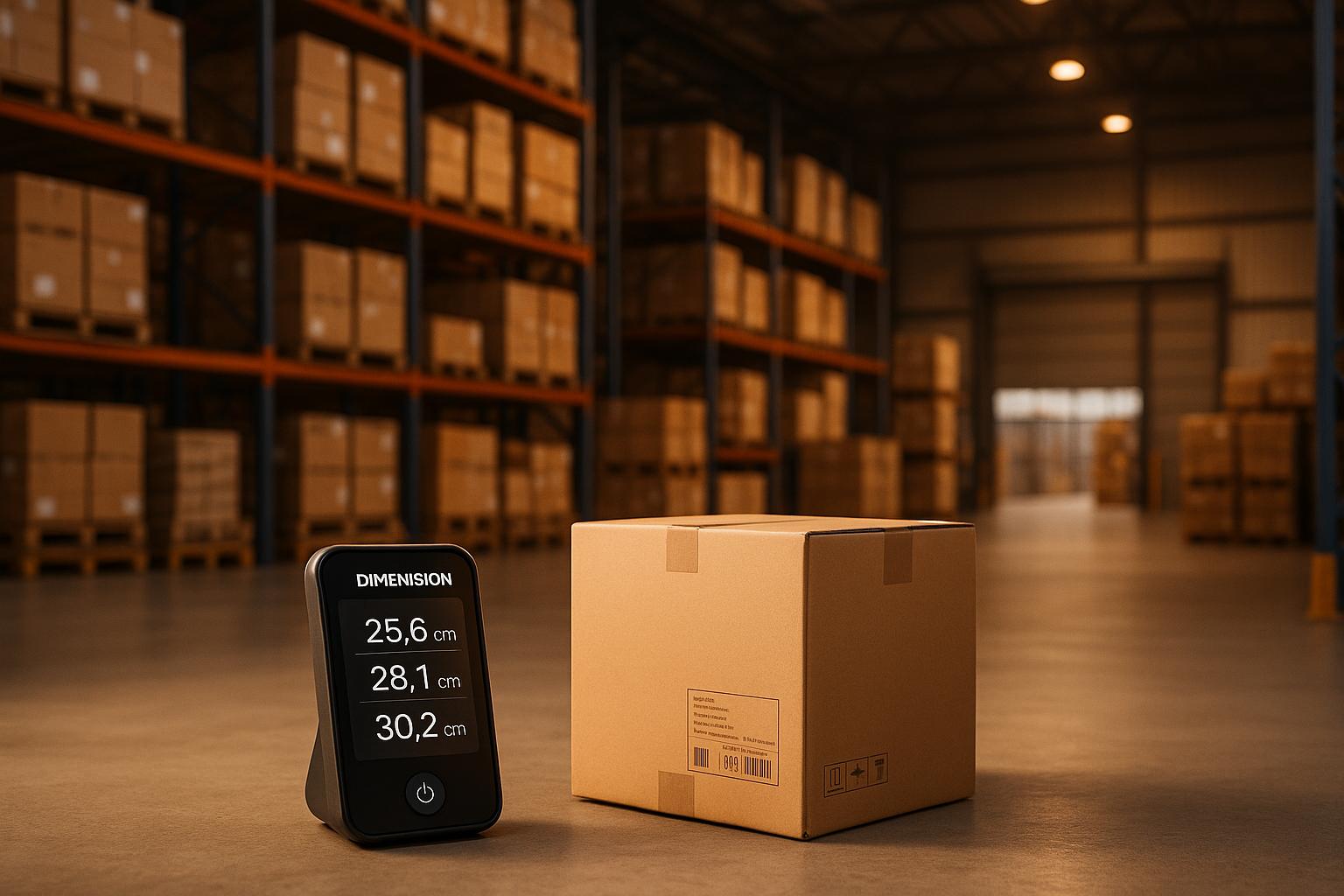
Dimension App made by shippeek.
The Dimension App by ShipPeek is a free tool designed to help Shopify merchants manage product dimensions like length, width, and height directly within Shopify’s admin. Released on June 26, 2025, it integrates seamlessly with Shopify’s native fields, ensuring your data stays organized and easily accessible. Whether you’re selling furniture, electronics, or any physical goods, this app enhances your shipping and logistics workflows.
Key Features at a Glance:
-
Direct Dimension Management: Add dimensions to products and variants within Shopify’s admin panel.
-
Bulk Editing: Update dimensions for multiple products at once using Shopify’s bulk tools.
-
Multiple Units of Measurement: Support for millimeters, centimeters, inches, and feet.
-
Shipping Integration: Sync dimensions with tools like Shippo and EasyPost for accurate shipping calculations.
-
Zero Setup: Install and start using immediately - no extra configuration needed.
For Shopify merchants, accurate dimensions are crucial for calculating shipping rates, reducing errors, and improving logistics efficiency. The Dimension App simplifies this process, saving time and minimizing manual work.
Ready to optimize your product dimensions? Install the Dimension App today and streamline your e-commerce operations.
How to Add Product Dimensions in Shopify

Key Features of the Dimension App
The Dimension App simplifies how Shopify merchants manage product dimensions, making it easier to handle logistics and prepare for shipping integration. Here’s how it helps you stay on top of your dimension management needs:
Manage Dimensions Directly in Shopify
Using Shopify’s built-in fields, you can effortlessly manage dimensions for both products and their variants right within Shopify’s admin dashboard. Add length, width, and height for any product, and assign specific dimensions to individual variants. This is particularly handy for products like furniture sets or electronics that come in different sizes, ensuring each variant has the correct dimensions. Plus, all dimension fields are located alongside your existing product details, keeping everything centralized and easy to find.
Bulk Editing Made Easy
Got a large product catalog? No problem. The app works with Shopify’s bulk editing tools, allowing you to update dimensions for hundreds - or even thousands - of products in one go. This saves time and reduces the hassle of manual updates.
Multiple Measurement Units
Choose the measurement units that suit your business best: millimeters (mm), centimeters (cm), inches (in), or feet (ft). This flexibility ensures consistency across all your products, no matter which unit system you prefer. And since the app integrates with shipping platforms, your chosen units carry through seamlessly.
Integration with Shipping Platforms
Say goodbye to manual data entry. The app syncs product dimensions with shipping platforms like Shippo and EasyPost, ensuring accurate logistics information and smoother shipping processes.
Ready to Use with Data You Control
No complicated setup is required - just install the app and start managing dimensions right away. Plus, since it uses Shopify’s native metafields to store data, you retain full control over your product information, making it easy to transfer or update as needed.
With these features, the Dimension App offers a streamlined way to manage dimensions while enhancing your shipping workflow. Up next, find out how to install and configure the app to start using it immediately.
Step-by-Step Guide: Adding Dimensions to Shopify Products and Variants
Setting up product dimensions in Shopify doesn’t have to be a hassle. With the Dimension App by ShipPeek, managing dimensions becomes a smooth and straightforward process for store owners.
Installing and Setting Up the Dimension App
Start by logging into your Shopify admin. Head over to the App Store, search for “Dimension by ShipPeek,” and click on the app listing. The best part? The app is completely free.
Once you’ve located the app, click the Install button. Shopify will ask you to authorize the app’s permissions - just confirm by clicking Install again. After the installation is complete, you’ll find the Dimension App listed on your Apps page in the Shopify admin panel.
There’s no need for extra setup or API keys. Once installed, you’re ready to start adding dimensions to your products.
Adding Dimensions to Products and Variants
With the app in place, integrating dimensions into your product management process is seamless. The app connects directly to Shopify’s product fields, so when you edit a product, you’ll see new options to input length, width, and height right alongside your existing product details. Just enter the measurements and select your preferred unit - options include millimeters, centimeters, inches, or feet.
If your products come in multiple variants, each variant can have its own specific dimensions. This is particularly helpful for businesses where size impacts shipping calculations. Plus, the app’s bulk editing feature makes it easy to update dimensions for several products at once - a lifesaver when migrating or updating product data.
Syncing Dimensions with Shipping Tools
After entering your dimensions, the app automatically syncs them with popular shipping tools like Shippo and EasyPost. This is a game-changer since Shopify’s native metafields for dimensions aren’t typically used by Shopify Shipping to calculate rates based on dimensional weight. By syncing with these shipping integrations, you can ensure accurate shipping rates and avoid surprises at checkout.
sbb-itb-8138a00
Benefits of Native Dimension Management for Shopify Stores
The Dimension App by ShipPeek offers a range of advantages by integrating directly with Shopify’s native fields. This approach brings tangible benefits for businesses that sell physical products.
Streamlined Data Portability and Freedom from Vendor Lock-In
By using Shopify’s native fields, your dimension data stays portable and easily accessible. Unlike proprietary formats that tie you to specific tools, this method allows you to export your measurements seamlessly. This flexibility ensures that your data remains usable across various platforms, boosting operational efficiency and reducing dependency on any single vendor.
Enhanced Efficiency for Managing Physical Products
Efficient dimension management is a game-changer for businesses dealing with physical goods like furniture or electronics. One major benefit is more accurate shipping cost calculations. Many carriers calculate rates based on dimensional weight rather than just actual weight, so having precise dimensions helps you avoid unexpected fees that could eat into your profits or frustrate your customers with higher-than-expected shipping costs.
Additionally, accurate dimensions play a key role in optimizing warehouse storage and fulfillment processes. The app supports multiple units of measurement - whether you work in millimeters, centimeters, inches, or feet - so you can choose the system that aligns best with your products and suppliers [1][2].
Smoother Logistics and Shipping Operations
Reliable dimension data also simplifies integration with third-party logistics providers. This leads to faster and more accurate order processing, reducing delays and minimizing errors [2]. With precise dimensions, you can optimize packaging, which not only cuts down on dimensional weight charges but also makes better use of warehouse space and truck capacity. These improvements speed up order fulfillment and enhance overall efficiency [3].
Moreover, accurate dimensions improve compliance with shipping requirements and reduce return rates. By providing customers with clear and precise product measurements, they can make more informed decisions, which helps to minimize dissatisfaction and returns [2].
Conclusion: Why Choose the Dimension App by ShipPeek
Key Takeaways
The Dimension App by ShipPeek is a smart choice for Shopify merchants transitioning from platforms like BigCommerce or custom-built solutions. Designed by the ShipPeek team, this app stores dimension data directly in Shopify’s native fields, ensuring your data remains portable and flexible - no need to worry about being tied to a specific vendor.
One standout feature is the app’s bulk editing capability, which makes it easy to add length, width, and height measurements to both products and variants using Shopify’s own tools. Whether you’re working with furniture dimensions in feet and inches or electronics measured in millimeters, the app adjusts seamlessly to your preferred measurement units.
For businesses handling physical products, accurate dimensions play a key role in improving shipping cost calculations and enhancing customer satisfaction. Studies show that 63% of online shoppers abandon their carts due to unexpected shipping costs, and 36% leave because of unclear delivery timelines [4]. By enabling precise shipping estimates and offering better communication about product specifications, the Dimension App helps solve these common challenges.
This combination of features makes the Dimension App a practical and efficient tool for managing product dimensions with ease.
Getting Started with the Dimension App
The Dimension App integrates directly into Shopify and offers immediate value with its bulk editing tools. It’s available on the Shopify App Store and doesn’t require any complicated setup. Once installed, you can start adding dimensions right away.
Because the app uses Shopify’s native fields, your data stays under your control, giving you the flexibility to scale your business or switch platforms without losing access to critical information. This approach eliminates the risk of vendor lock-in, providing peace of mind as your business grows.
Ready to streamline your product dimension management? Visit the Dimension App on Shopify to get started today. Built by the logistics experts at ShipPeek, this app is designed to simplify the complexities of e-commerce fulfillment.
FAQs
How does the Dimension App by ShipPeek help Shopify merchants manage shipping costs?
The Dimension App by ShipPeek makes managing shipping costs a breeze for Shopify merchants. It allows users to input precise product dimensions - length, width, and height - at both the product and variant levels. This means merchants can calculate dimensional weight accurately, which plays a key role in determining shipping costs.
By leveraging native Shopify fields, the app works seamlessly with shipping carriers like Shippo and EasyPost. This integration enables real-time shipping rate calculations based on the actual size of the packages. The result? Merchants avoid overpaying for shipping and ensure they’re charged only for the space their products genuinely take up.
What are the benefits of using the Dimension App with Shopify’s native fields for managing product dimensions?
Managing product dimensions is a breeze when you pair Shopify’s native fields with the Dimension App. This combination lets you quickly add or update details like length, width, and height for products and variants in bulk, saving both time and effort.
Using native fields keeps your data consistent and easy to transfer, making it simple to integrate with popular shipping tools such as Shippo and EasyPost. Plus, there’s no need for complicated setups - you can even select your preferred measurement units (mm, cm, in, ft) to match your workflow. It’s a practical solution for businesses dealing with physical goods like furniture or electronics.
How does the Dimension App work with shipping platforms like Shippo and EasyPost to improve shipping accuracy?
The Dimension App works effortlessly with shipping platforms like Shippo and EasyPost, pulling product dimensions directly from Shopify. This integration helps calculate accurate shipping rates and automates label creation, cutting down on time and mistakes.
By allowing users to input length, width, and height for both products and their variants, the app ensures precise data is sent to shipping platforms. This removes the need for manual data entry, simplifies logistics, and boosts shipping efficiency for businesses managing physical products.